What is ADAM?
ADAM is a free workout interval timer app for iPhone and iPad. It times work and rest intervals for HIIT, Tabata, EMOM, AMRAP, strength, boxing, running and yoga, with voice cues and a different colour for every phase.
Workout interval timer
Your workout. Your pace. Your time. Built for HIIT, Tabata, EMOM, strength, boxing and everything in between.
How it works
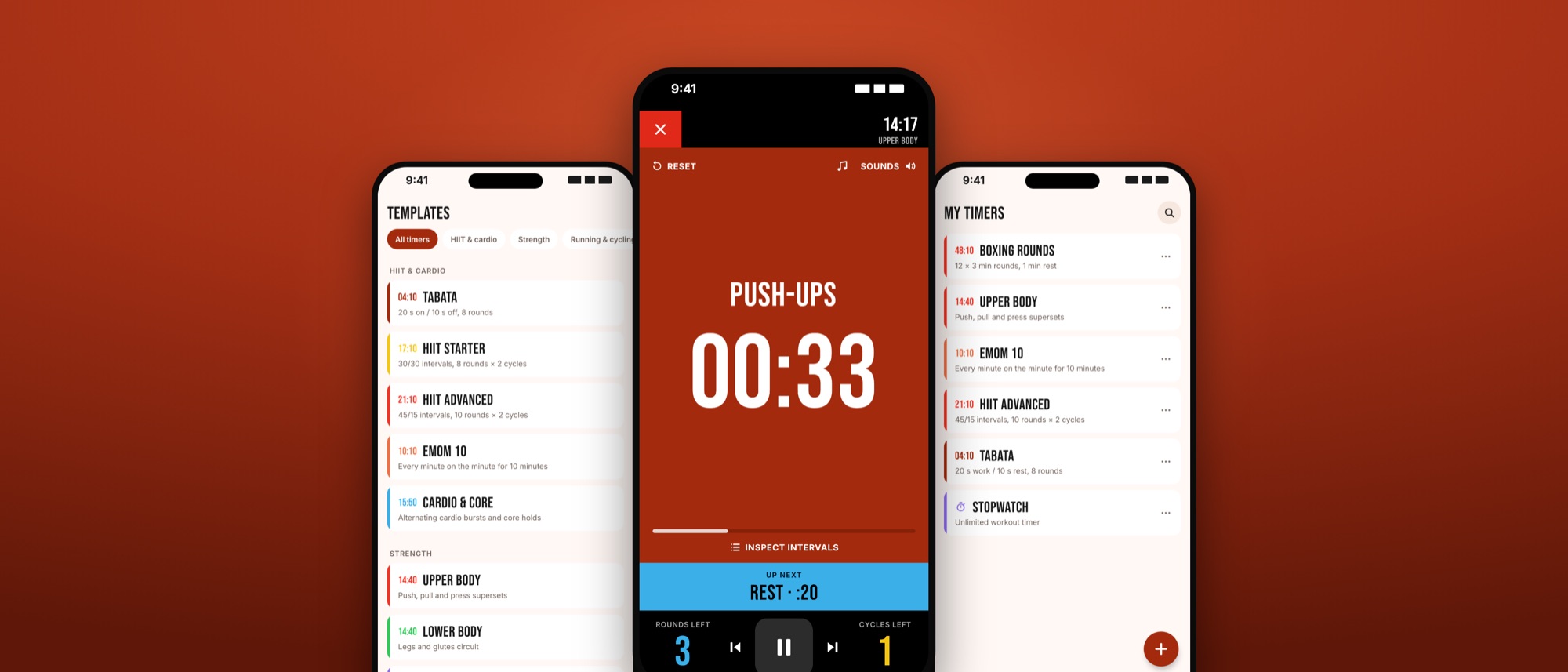
Pick a ready-made template like Tabata or EMOM, or build your own with work, rest, rounds and sets.
A short prepare countdown gets you into position. ADAM keeps the screen awake for you.
Work is rust, rest is blue. A voice calls every change and the next exercise is always on screen.
Rounds and cycles count down at the bottom until the cool-down and the finish.
Great workouts aren't about lifting heavier. They're about making every second count.
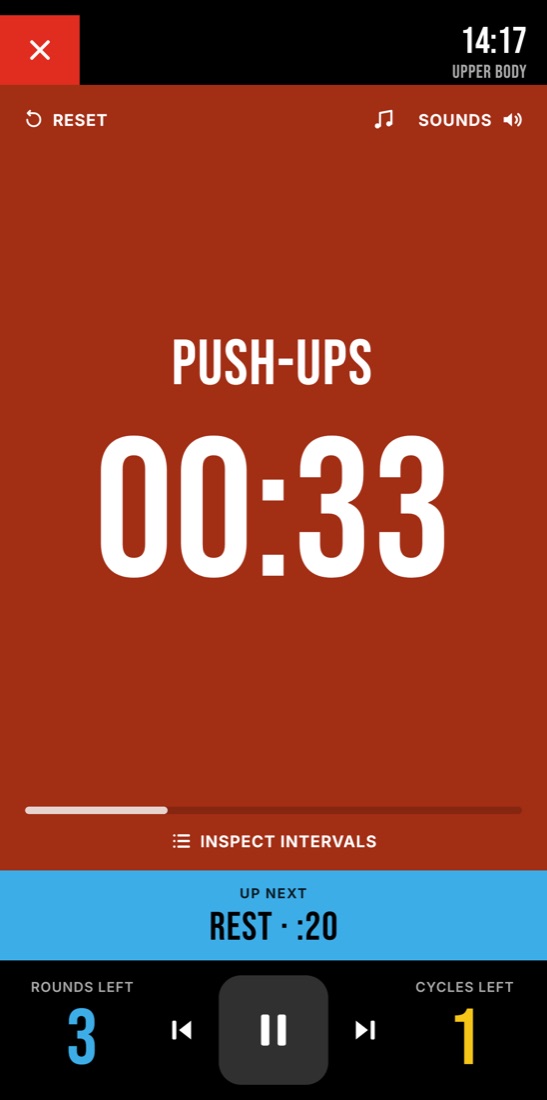
Work
A countdown you can read from across the gym, voice cues on every change, and the next exercise always in view.
Rest
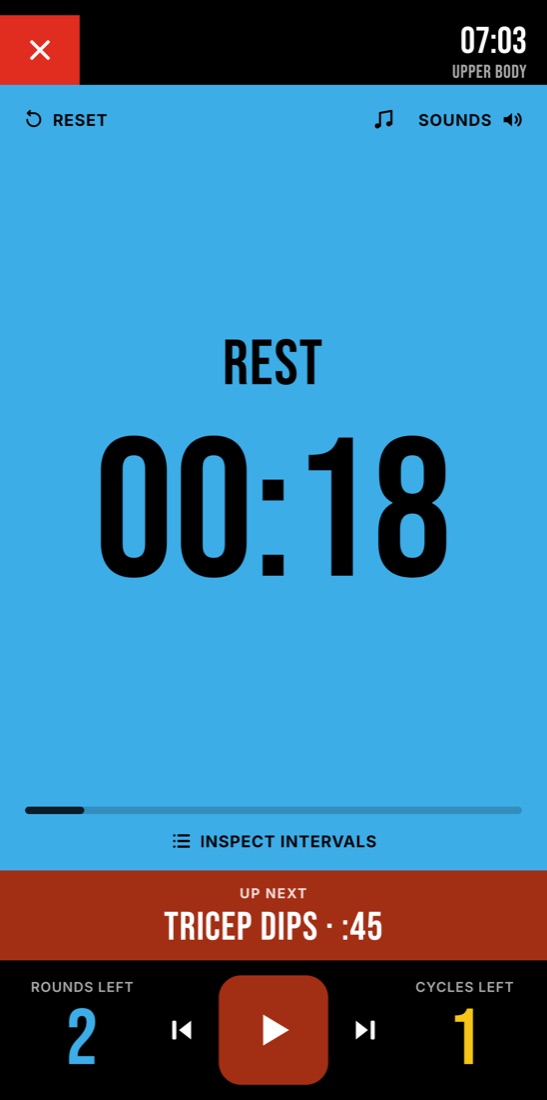
Rest is part of the plan. ADAM shows what's coming next, so you're ready the moment the clock says go.
Plan
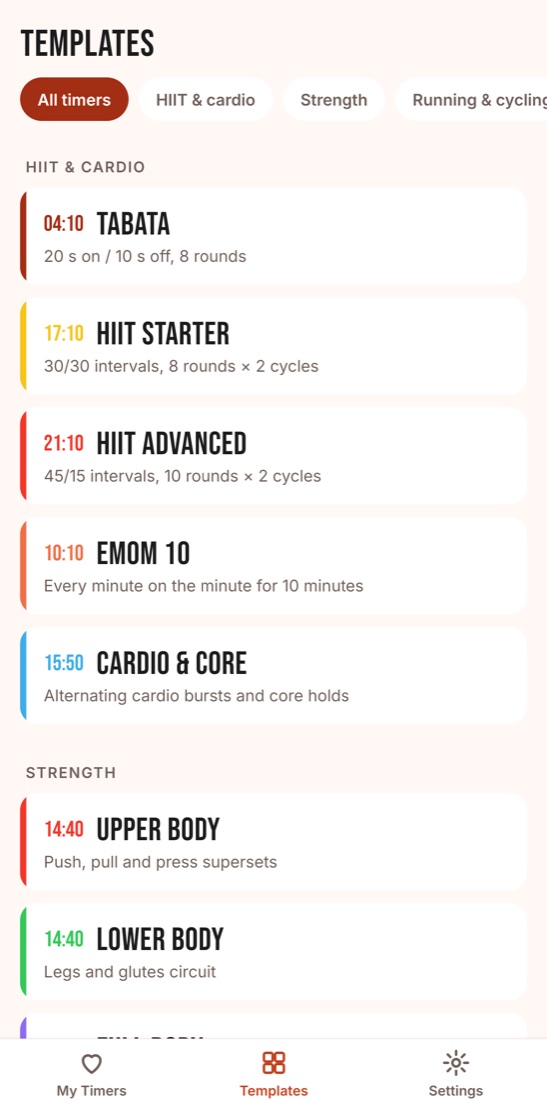
Pick a ready-made workout or build your own with sets, rounds, warm-up and cool-down. Preview every interval before you begin.
One timer. Endless possibilities.
Built for the way you train
Work, rest, rounds, sets, warm-up and cool-down – exactly how you train.
HIIT, Tabata, EMOM, AMRAP, boxing, running, yoga and more.
Countdown beeps, a halfway alert and your own choice of sounds.
Vibration, flashlight and screen-flash alerts you can't miss.
Connect a Bluetooth chest strap and see your heart rate as you train.
Keeps going when your phone is locked. Stopwatch, light & dark themes, 17 languages.
Questions & answers
ADAM is a free workout interval timer app for iPhone and iPad. It times work and rest intervals for HIIT, Tabata, EMOM, AMRAP, strength, boxing, running and yoga, with voice cues and a different colour for every phase.
Yes. Every timer, template and feature in ADAM is free. There are no ads and you don't need an account.
Yes. Set your work and rest times, rounds, sets, warm-up and cool-down, give each interval a name, and save it to My Timers. You can also open any template, edit it and save your own version.
Tabata is 20 seconds of all-out work and 10 seconds of rest, repeated 8 times (4 minutes). EMOM means every minute on the minute: you start a set at the top of each minute and rest for the time that's left. AMRAP means as many rounds as possible in a fixed time. ADAM has ready-made templates for all three.
Yes. Turn on Background alerts in Settings and allow notifications. ADAM then alerts you at every interval change while the screen is off or you're using another app.
Yes. Play music from any app. ADAM can lower your music during alerts so cues are easy to hear, and the music button on the workout screen opens your music app.
ADAM shows your live heart rate from a standard Bluetooth heart rate chest strap during a workout. Your heart rate is shown on screen only and is never stored or sent anywhere.
No. ADAM has no accounts, analytics, ads or tracking. Your timers and settings stay on your device.

Progress happens when you show up, put in the work and push beyond yesterday. ADAM keeps time so you can focus on the effort.